Camera RAW refers to the type of file format that is higher in quality than most photo types. High end cameras have the option of changing to RAW, this means the photos have better colour ranges. 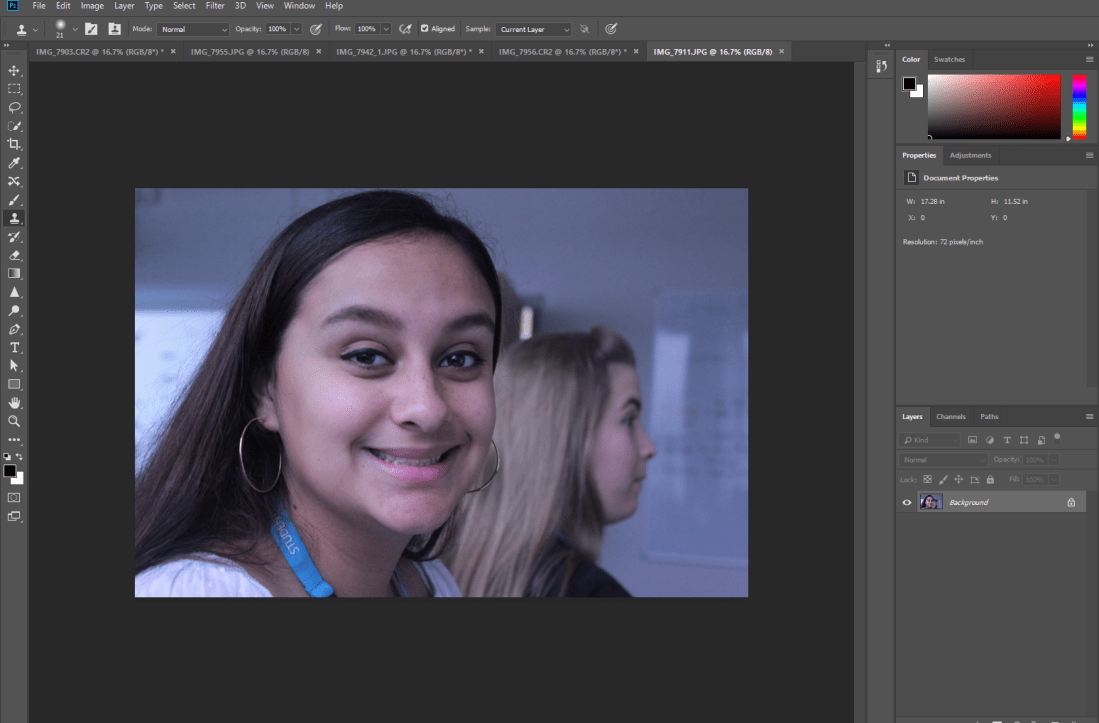
Once selecting the RAW picture that I want to use, Photoshop opens.
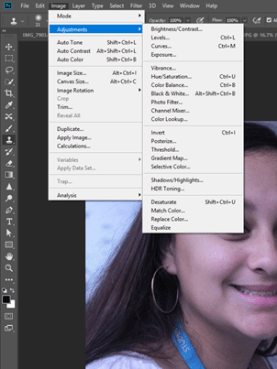
To start editing my picture, I select the “Image” tab and select the adjustments. I then start playing around with the different options.
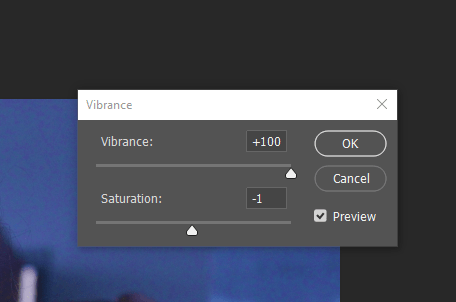
I started off using the the ‘vibrance’ option to boost the colouring of the picture. I also altered the saturation.
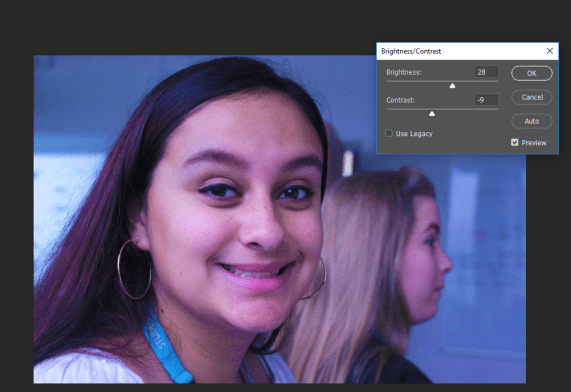
Using brightness/contrast settings, I turn the brightness down and up the contrast to ensure that it adjusts correctly.
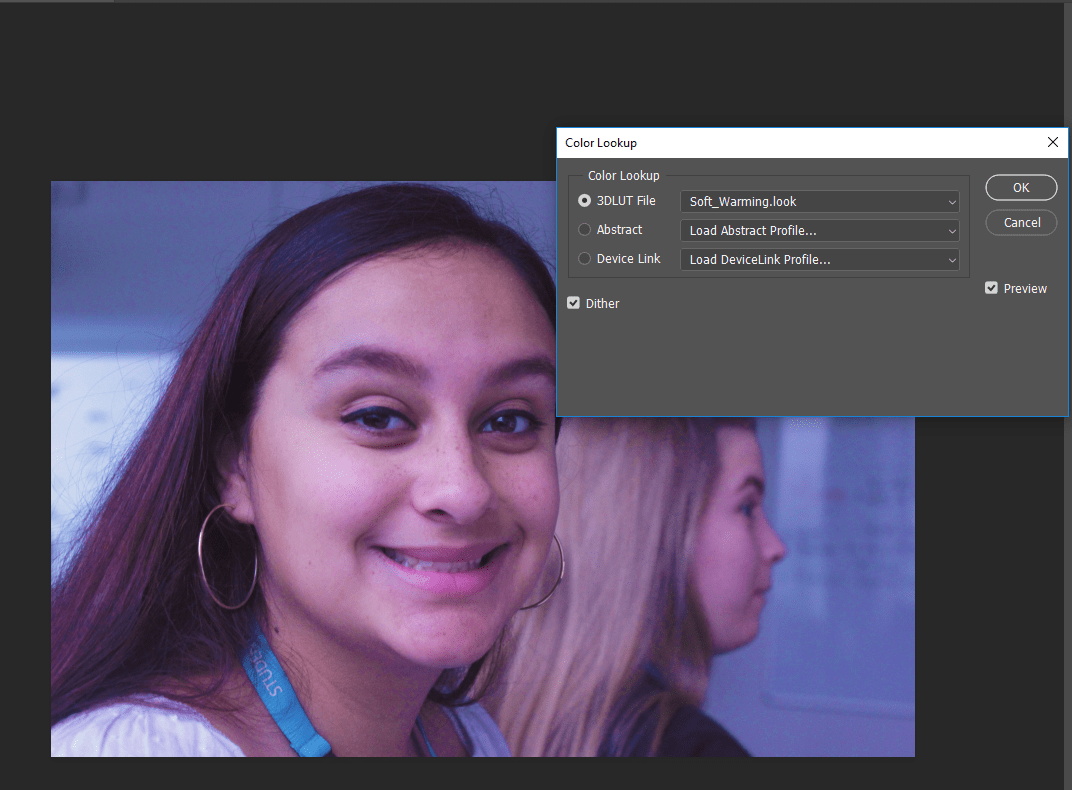
I then select the “Colour Lookup” tab and look through the filters given, in this case I chose to use the ‘Soft Warming’ filter.
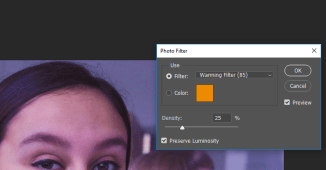
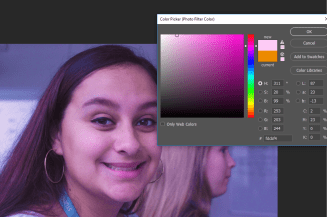
Once I do this I add a pink tint to the picture to get the overall filter desired.
Overall, I think this type of effect can change the whole mood of the picture. The original colouring of the picture seeming more grey and sombre, however, with the boosted saturation and brightness and the pink tints adds happiness to the picture. Also, the use of contrast has given more definition to the picture.

 Akira's Media Blog